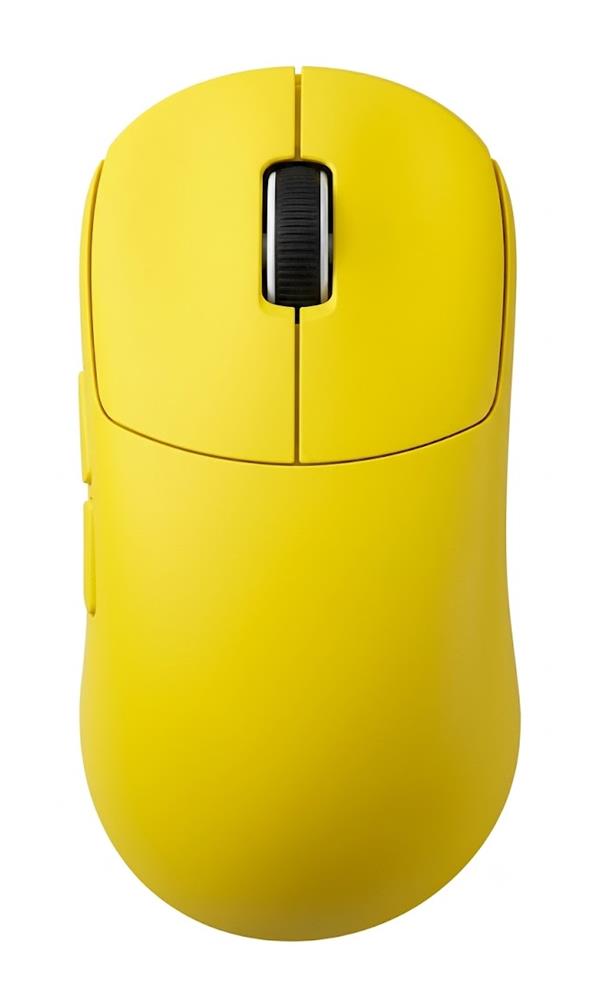
ERGONOMIC FLYWHEEL MOUSE / MODEL GM50

GM50 Ergonomic Flywheel Mouse

GM50 is a productivity mouse direction with main flywheel and thumb-wheel controls shown. Request the connection type, dimensions, weight and current configuration before defining your OEM sample.

Ask about GM50 ↗All mouse models ↗WhatsApp: +86 135 1050 0730 ↗

PURCHASING INFORMATION

Plan your order.

Standard MOQ
2,000 units
Sample preparation
7–15 days
Production lead time
35 days
Warranty period
1 year

Confirm model mix, customization scope, lead-time start date and warranty service details in your quotation.

3220 SENSOR IC · FLYWHEEL SCROLLING

GM50 Ergonomic Flywheel Mouse

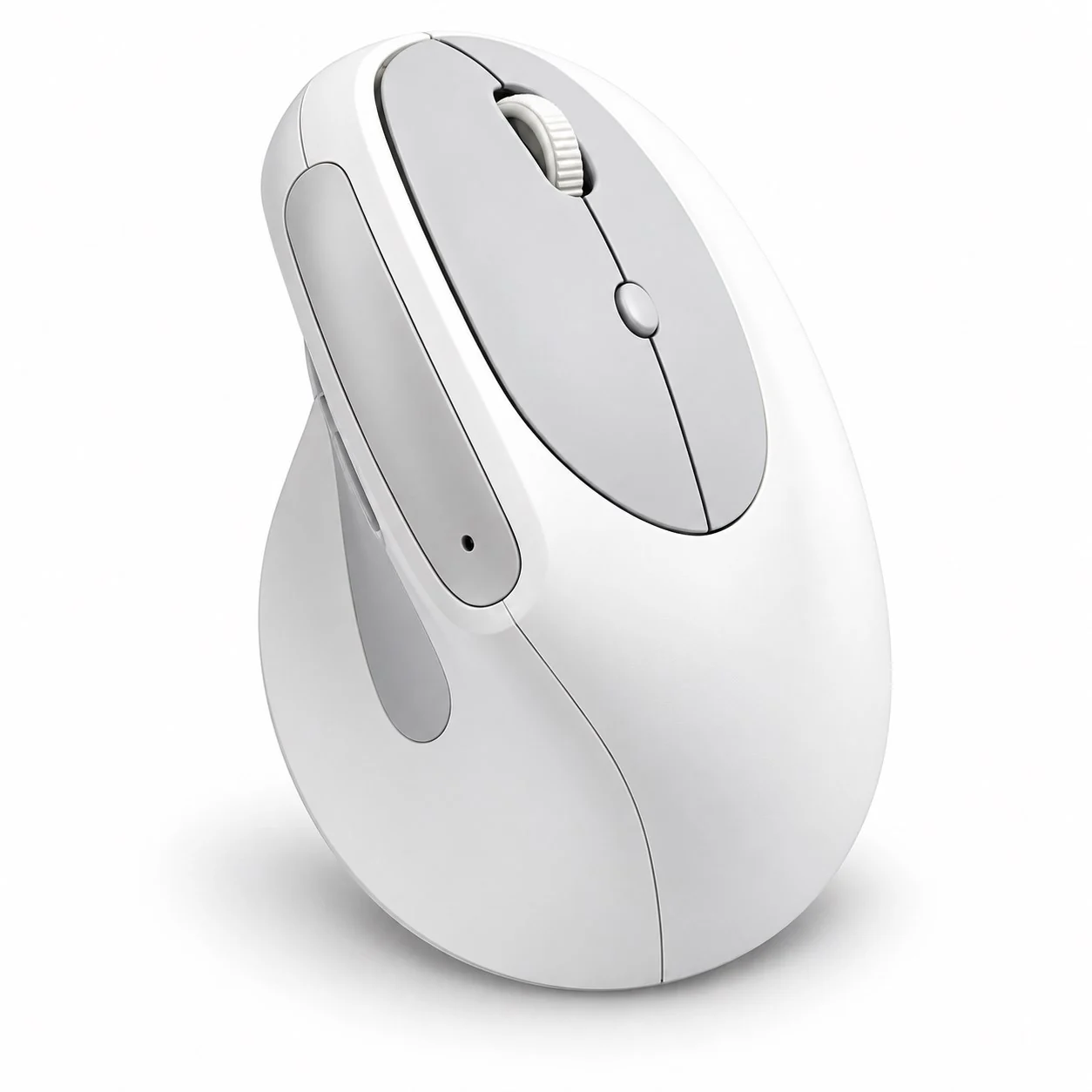
GM50 combines a contoured ergonomic shape with a flywheel-style main scroll wheel and a separate thumb wheel. The dual-wheel layout is designed for fluid navigation through long pages and everyday productivity.

The 3220 sensor IC provides the tracking foundation. Connection type, DPI, battery and other performance details should be confirmed for the chosen production configuration.

Request the current specification ↗

PRODUCT PROFILE · MODEL CONFIGURATION

ModelGM50
Product typeErgonomic flywheel mouse
WeightConfirm production configuration
ConnectionConfirm connection type by SKU
Sensor options3220 IC
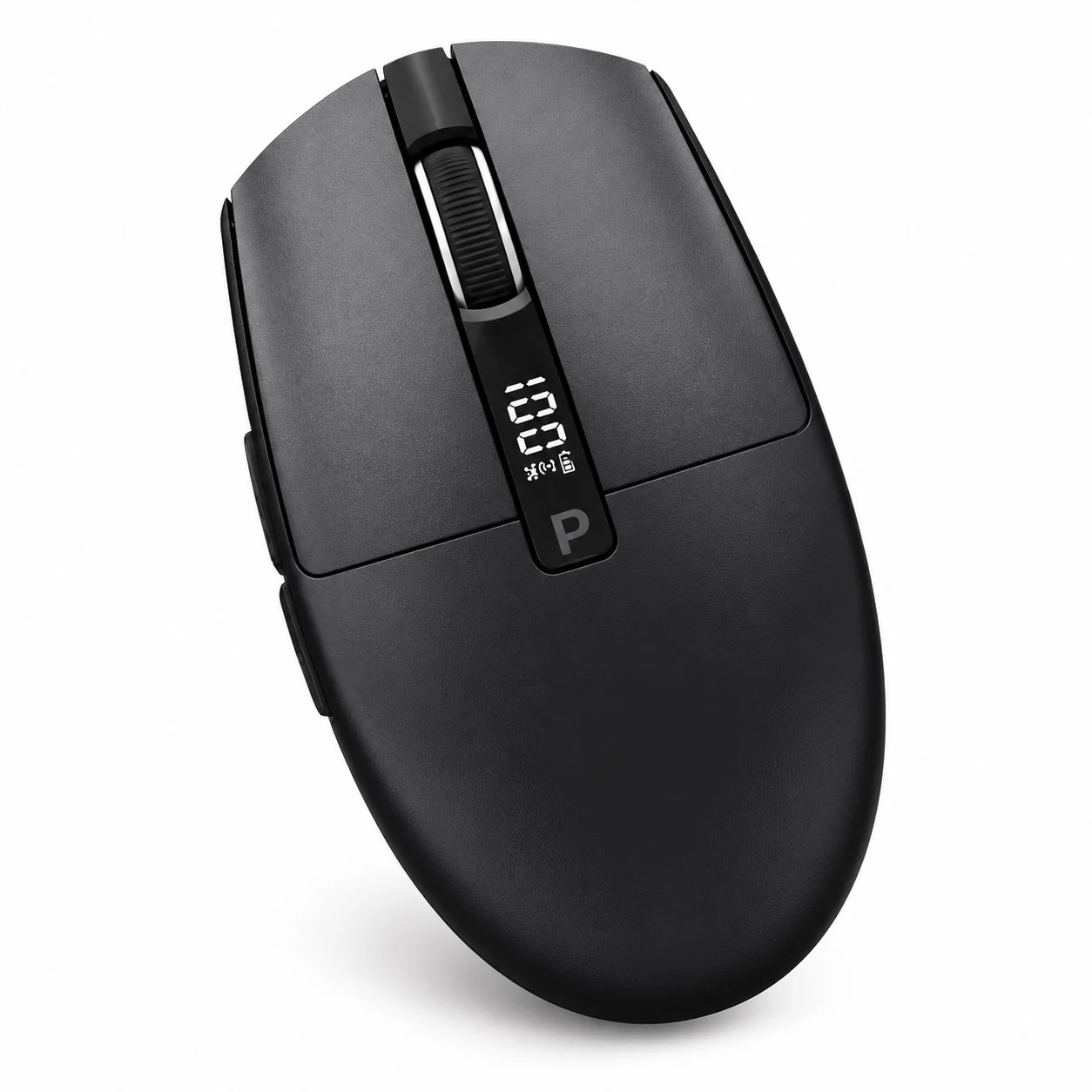
Color optionsWhite, charcoal, blue and rose shown in product photos
ControlsFlywheel-style main scroll wheel and thumb wheel shown in product photos
DPI, battery & pollingConfirm the current production configuration
Configuration note: Sensor, connection, battery, DPI and polling specifications can vary by configuration. Please confirm the exact production SKU before sampling.
MODEL-SPECIFIC OEM PURCHASE PLAN

Prepare your GM50 order

Plan GM50 for a productivity-oriented mouse range with the main flywheel and thumb wheel shown. Agree the actual connection, wheel functions and software requirements for the version you want quoted.

Define the quoted configuration

  • Confirm the connection type, connector and any receiver for the selected SKU.
  • Define the main-wheel, thumb-wheel and button functions required by your users.
  • Verify the sensor version and any software or driver requirements.
  • Agree finish, logo, dimensions, final weight and the retail-package contents.

Approve the sample and packing

  • Try the wheel and thumb controls in the intended applications and operating systems.
  • Review grip, button access and scrolling behavior with representative users.
  • Record the approved configuration, instructions, accessories and carton information.
Can GM50 be quoted as a wireless mouse from the current page?

The connection type remains a SKU-specific confirmation item. Request the actual connection, connector and accessory list before describing it as wired or wireless.

Will the GM50 thumb wheel behave the same in every application?

Specify the applications and functions required for your range. Ask about software requirements and test the agreed scrolling or button behavior on the intended setup before approving the instructions.